VRCafe logo

VR@HOME

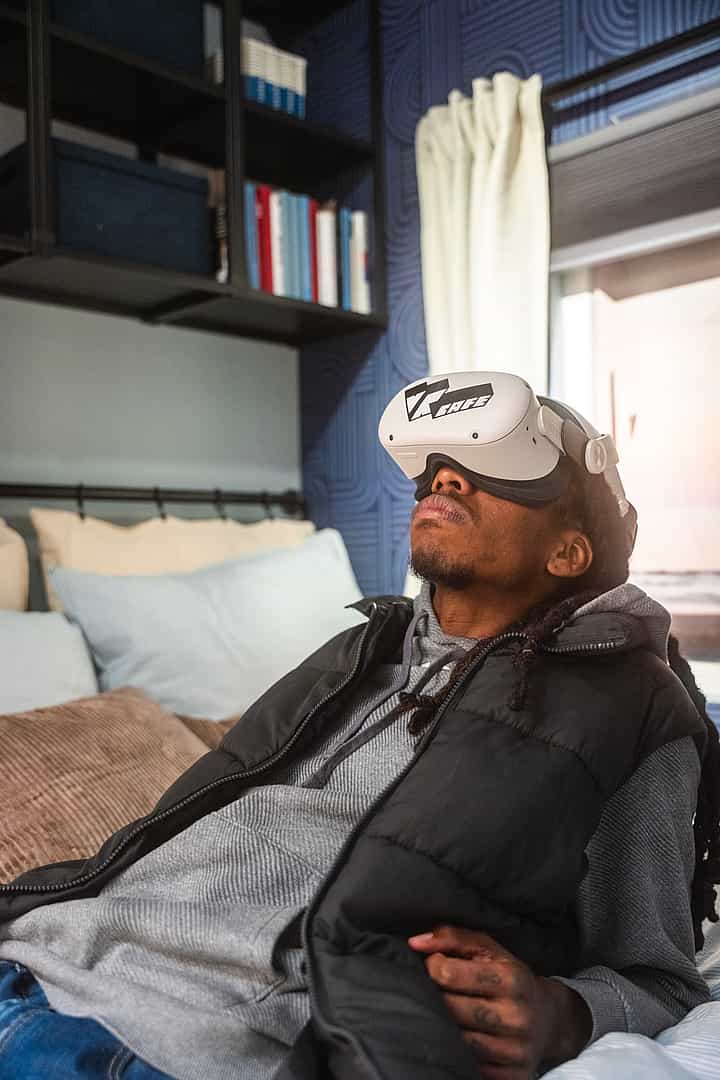
With VR@Home you rent a box with everything you need to enjoy amazing virtual adventures together with friends or family!

VR@Home In short

With VR@HOME, you get access to 45+ of our VR Experience games, all from the comfort of your own home! You are completely free to play however you like — replay your favorites or discover endless new experiences.

  • From active gameplay to relaxed exploration

  • Perfect for individuals and larger groups

  • Choice of 45+ games!

What makes VR@Home unique?

Staying at home has
never been this fun!

With VR@HOME, you rent a complete VR box to enjoy amazing adventures with friends or family. You can rent the box from 1 to 7 days. Want to play longer? No problem! Just let us know and we will explore the possibilities together. The box can be picked up from 11:00 AM on the day of your booking and must be returned at 10:00 AM on the agreed return date.

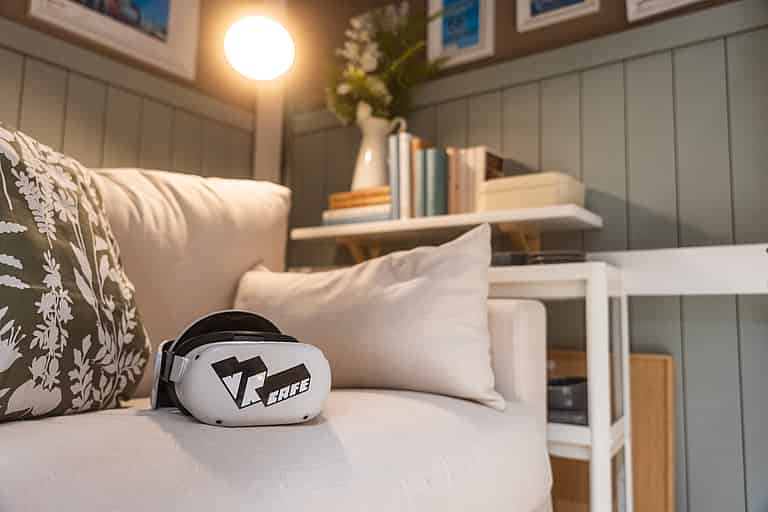
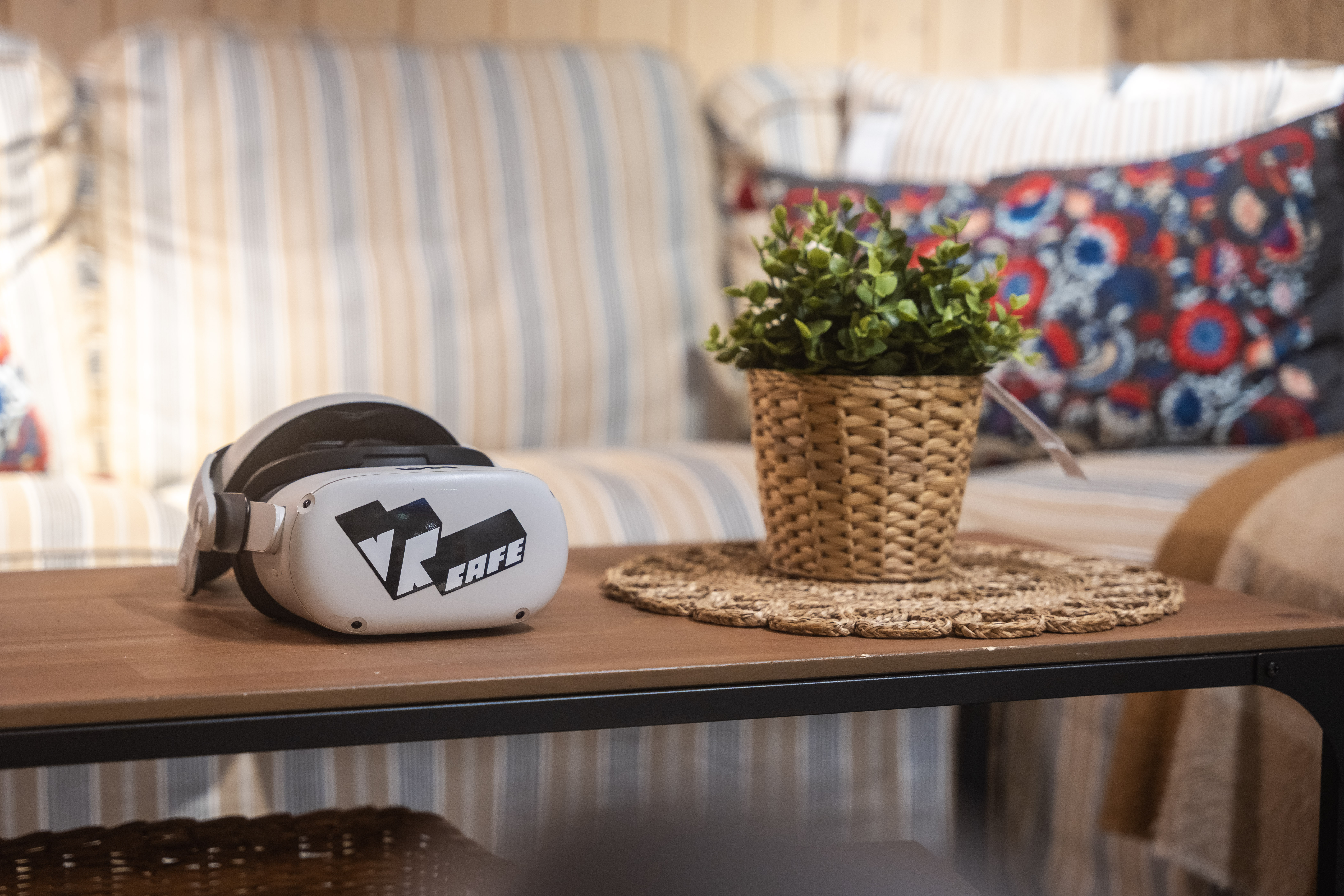
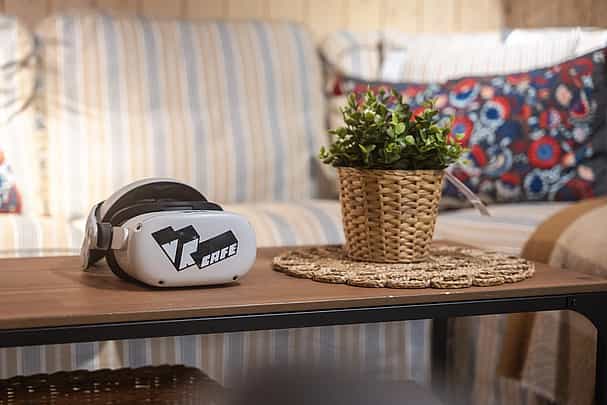
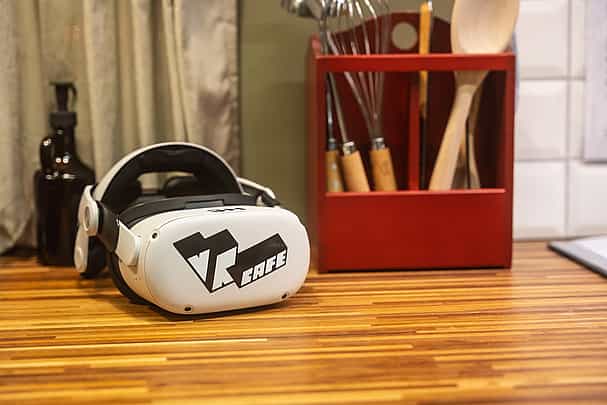
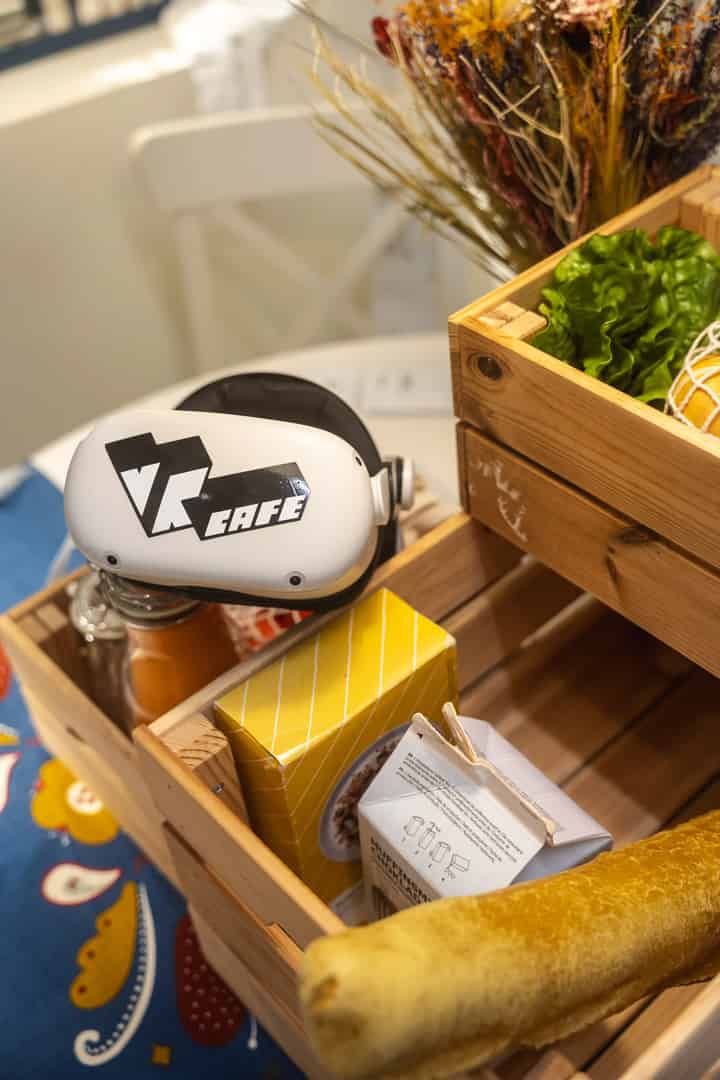
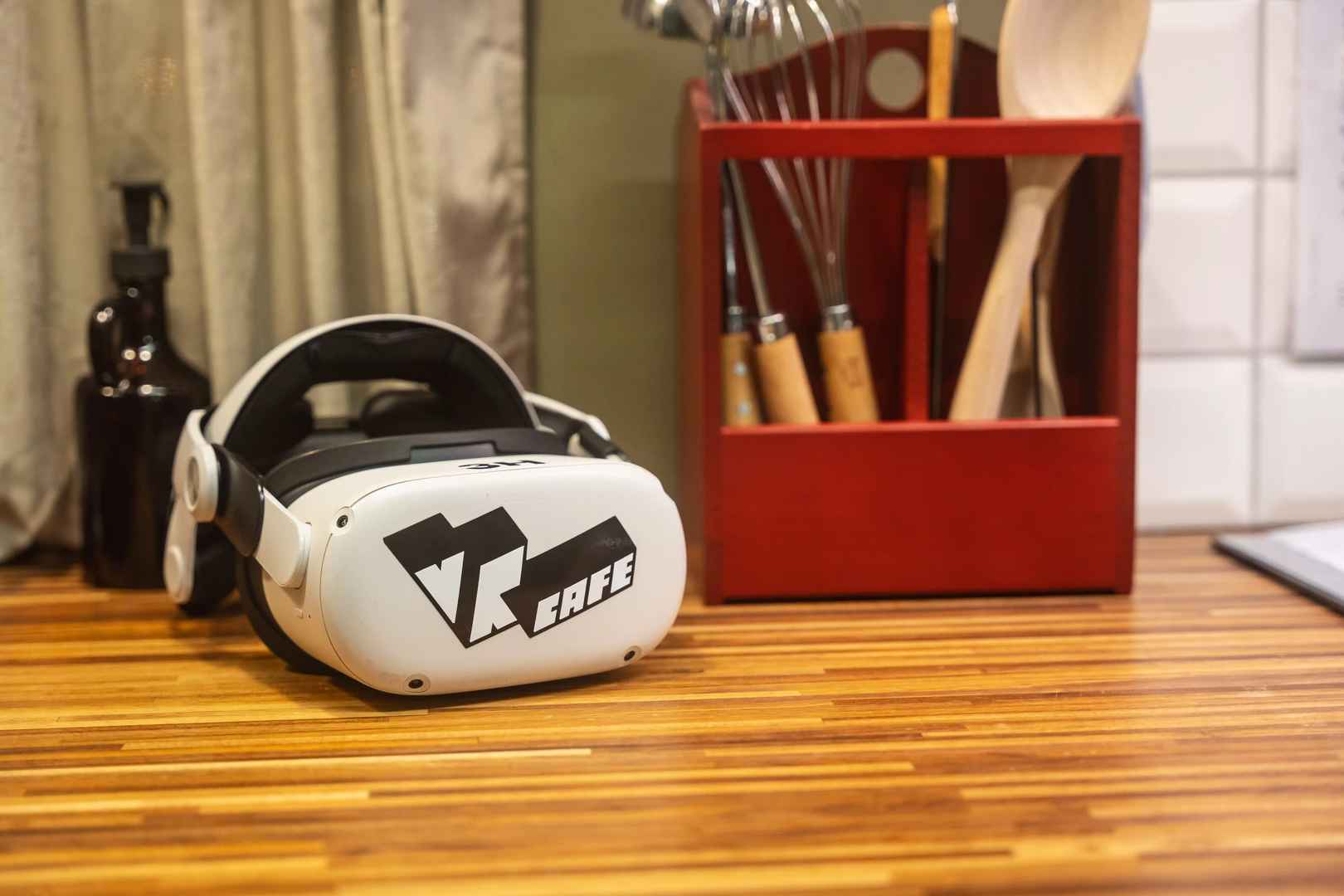
VR@Home headset on a table
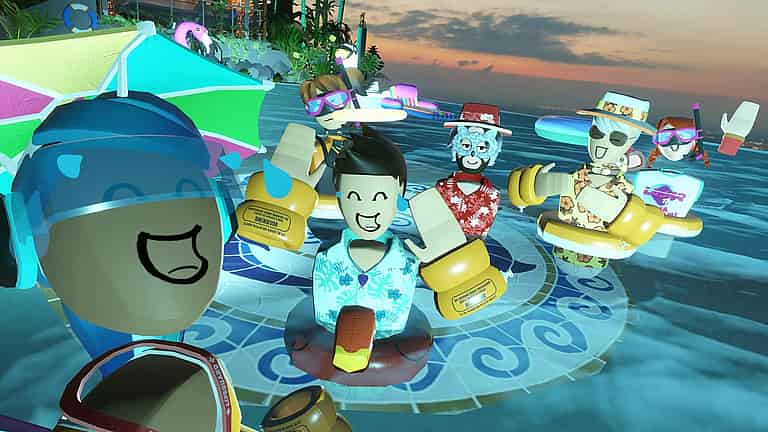
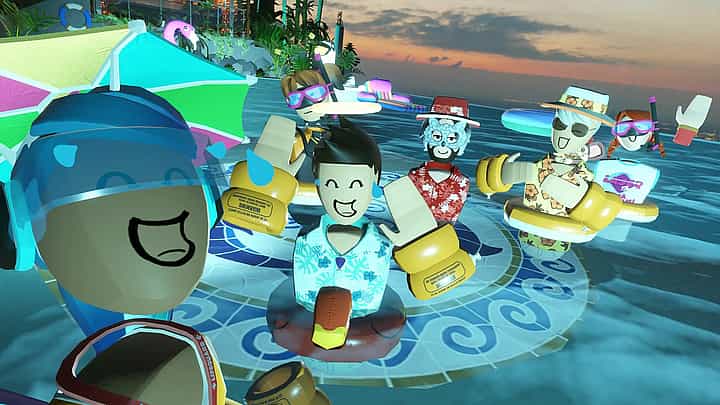
Fruit Ninja

Meer tijd, meer avontuur!

Haal alles uit je VR@HOME ervaring met extra speeltijd! Kies voor 4 dagen (of meer) en haal alles uit je VR-ervaring. De tijd gaat sneller dan je denkt!

Prices

With VR@Home you rent a box with everything you need for amazing VR adventures! Per headset – €40 deposit not included.

  • 1 day

    39 95€
  • 2 days

    69 95€
  • popular

    3 days

    89 95€
  • 4 days

    109 95€
  • midweek

    5 days

    124 95€
  • 6 days

    139 95€
  • 7 days

    149 95€

Add-ons

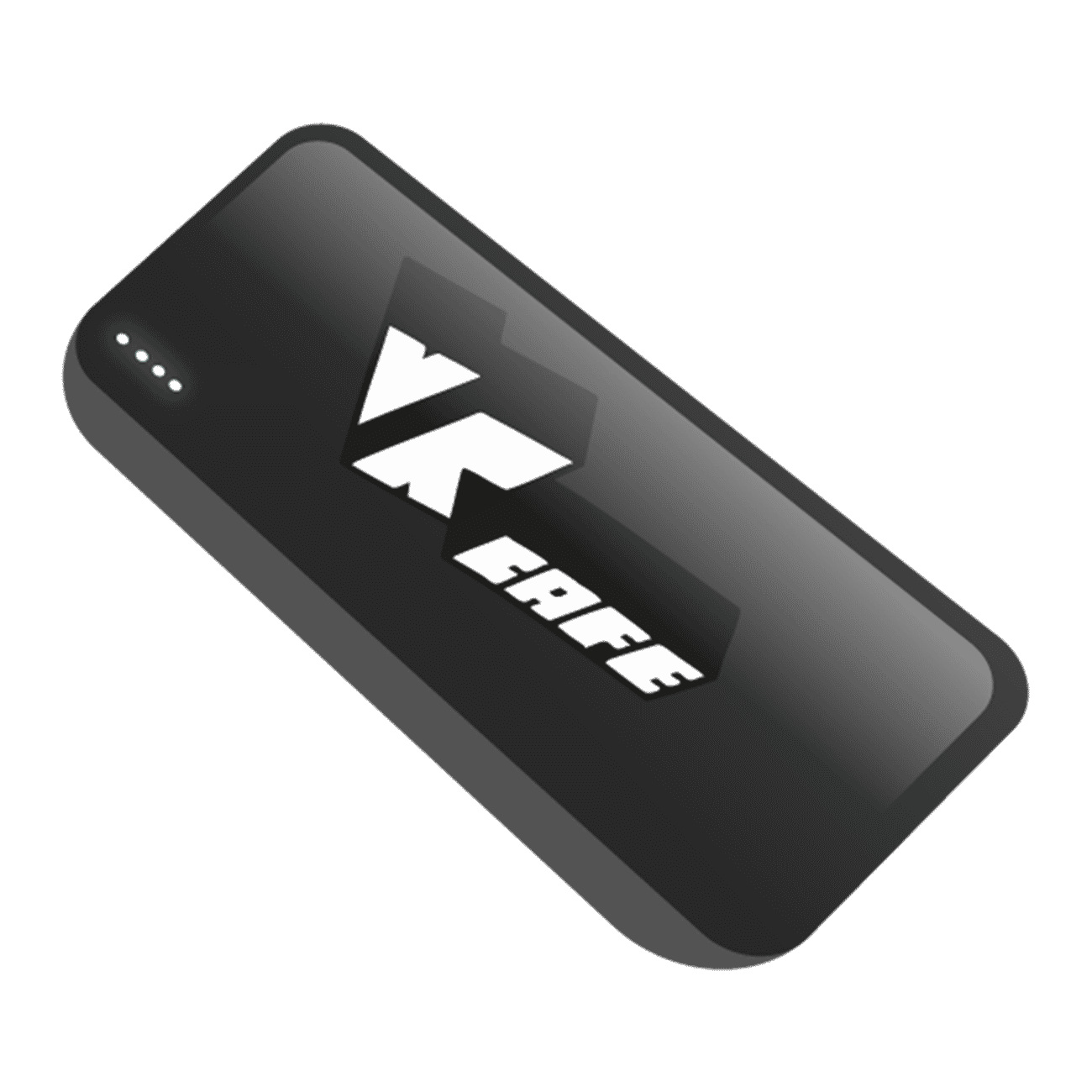
  • Add a Power bank and prevent your headset from running out of battery while gaming.

  • Share your VR experience on your own TV with a Chromecast.

  • Rent a screen so others can watch while you enjoy your VR@HOME

€ 3.45 / day

Powerbank

Powerbank

€ 3.95 / day

Chromecast

Chromecast

€ 7.95 / day

Screen

Screen

€ 3.75

Cancel

Cancel

Easy to use

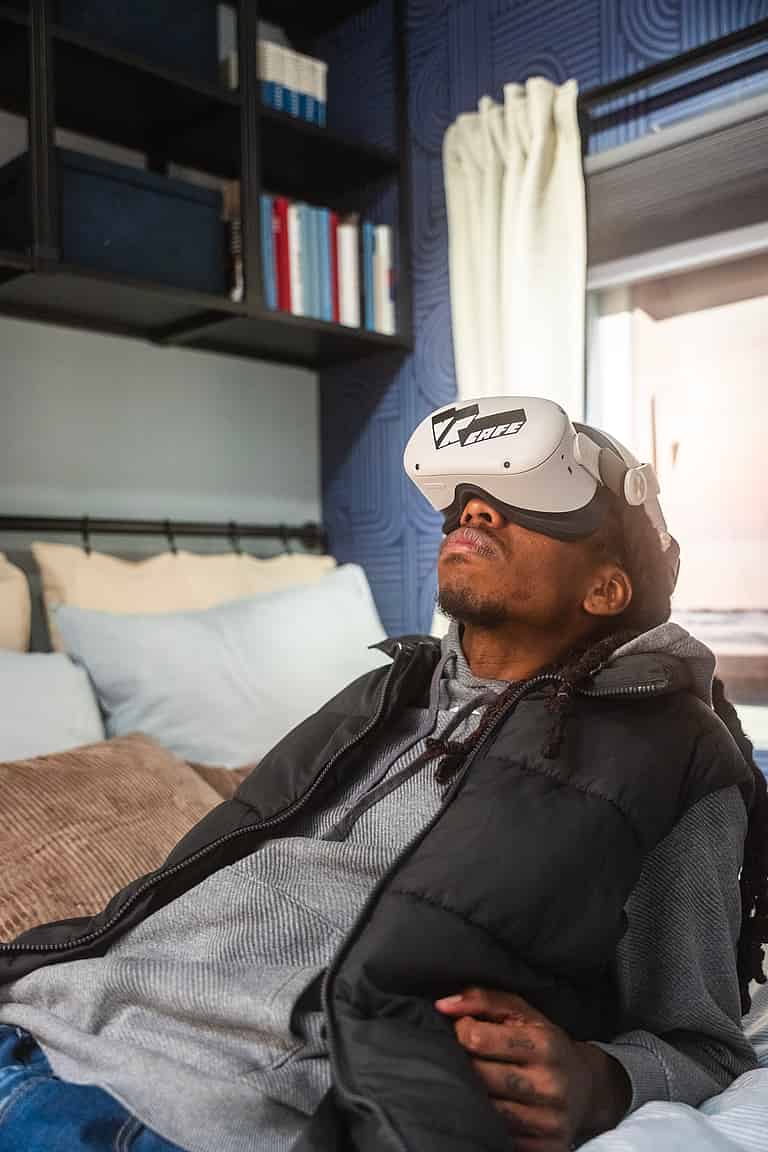
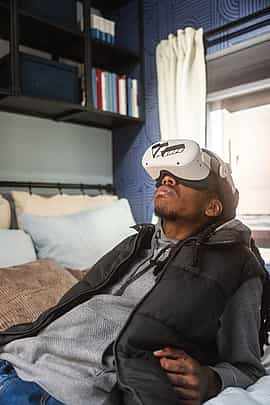
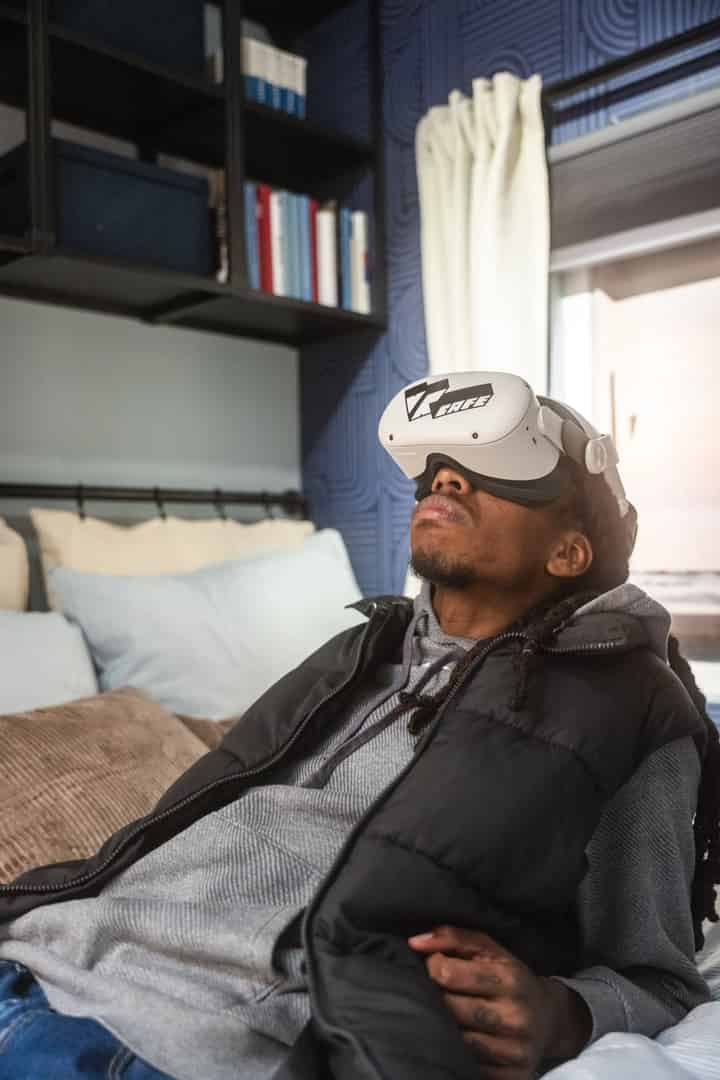
To use the Oculus Quest 2, simply put it on your head, adjust the straps for comfort, and use the controllers to navigate easily in virtual reality.

meta quest 2

No PC required

With a VR headset, you can play games without needing a separate PC. Everything runs directly on the headset itself.

Slide 1
Slide 2
Slide 3
Slide 4
Slide 5
Slide 6
Slide 7
Slide 8
Slide 9
Slide 10
Slide 11
Slide 12
Slide 13
Slide 14
Slide 15
Slide 16
Slide 17
Slide 18
Slide 19
Slide 20
Slide 21
Slide 22
Slide 23
Slide 24
Slide 25
Slide 26
Slide 27
Slide 28
Slide 29
Slide 30
Slide 31
Slide 32
Slide 33
Slide 34
Slide 35
Slide 36
Slide 37
Slide 38
Slide 39
Slide 40
Slide 41
Slide 42
Slide 43
Slide 44
Slide 45
Slide 46
Slide 47
Slide 48
Slide 49
Slide 50
Slide 51
Slide 52
Slide 53
Slide 54
Slide 55
Slide 56
Slide 57
Slide 58
Slide 59
Slide 60

What our gamers say:

  • TripAdvisor

    5.0

  • Google Reviews

    4.8

  • Facebook

    5.0

Loading...

Did you know

  • Je Alle games <span class="text-huren"> samen kan spelen

    Je Alle games
    samen kan spelen

  • VR voor alle  <span class="text-huren"> leeftijden is

    VR voor alle
    leeftijden is

  • Je in VR  <span class="text-huren"> Kan meekijken

    Je in VR
    Kan meekijken

  • Wij centraal in  <span class="text-huren">Haarlem zitten

    Wij centraal in
    Haarlem zitten

FAQ

  • VR Home

    • What exactly is VR@Home?

      With VR@Home, you rent one or more VR headsets to play at home. You pick them up and return them after use.

    • Who is VR@Home suitable for?

      Perfect for friends, family or game nights.

    • How do I prepare for using VR@Home?

      Make sure you have space and power.

    • Which games are included or how does game selection work?

      You get access to 45+ games.

    • How long can I use the VR@Home set?

      From 1 day up to multiple days.

    • What should I do if something doesn’t work or breaks?

      Contact us immediately.

    • Can I share the set with others?

      Yes, within conditions.

    • How do I return the set?

      Return on agreed time.

  • Booking

    • How does renting a VR set from you work?

      You reserve a VR set through the website or by email. We confirm the rental period and prepare everything you need: headset, controllers, and chargers. On the agreed day, you pick up the set at VRcafe in Haarlem.

    • What do I need to use a VR set?

      Not much — just a bit of free space and a power outlet. The headsets are wireless and ready to use. A manual is included in the case, and our hosts will briefly explain everything when you pick it up.

    • How long can I rent for?

      You can rent for a day, a weekend, or a week. Want to keep the set longer? Let us know in time, and we will check if an extension is possible.

    • How do I reserve multiple sets at once?

      For business or educational purposes, you can reserve multiple sets at once. Please contact us so we can coordinate availability and the rental period with you.

    • Do I need to pay a deposit?

      A deposit usually applies for consumers. For business or educational rentals, we arrange this administratively in advance.

  • General

    • What is included in the rental set?

      Each set includes a VR headset, controllers, chargers, a manual, and hygiene covers. The equipment is checked in advance and fully charged.

    • How much space do I need to play?

      Approximately 1.5 × 1.5 meters is enough for most VR experiences. Make sure the floor is free of obstacles and that you have enough room to move.

    • Do I need to install anything myself?

      No, everything is plug-and-play. Turn on the headset, follow the short instructions on the screen, and you can start immediately. Having trouble? You can call or email us.

    • What happens if something breaks or does not work?

      Please contact us immediately. We will first see if we can solve it remotely. Minor signs of use are not a problem, but in case of damage we will discuss a solution together.

    • How is the equipment cleaned?

      All headsets are thoroughly cleaned before and after each rental period and provided with new hygiene covers. We also recommend keeping the headset clean during use.

More VR activities